
Jul 11, 2024

Writen by Pixidev
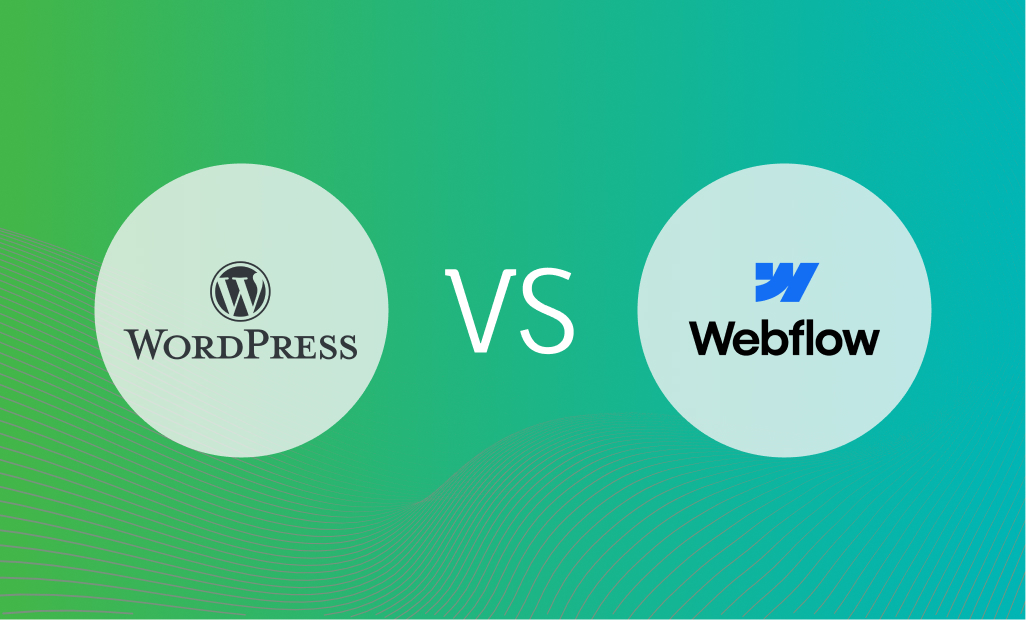
In today’s digital age, a well-designed website is no longer a luxury; it’s a necessity. But when it comes to building your online presence, the age-old question arises: WordPress vs Webflow. Both platforms have become frontrunners in website development, each catering to specific needs and preferences.
This comprehensive guide analyzes the WordPress vs Webflow debate, highlighting key features, functionalities, and ideal use cases. By the end, you’ll be equipped to decide on the platform that best suits your website development goals.
WordPress is dominant in the world of content management systems (CMS). WordPress vs Webflow showcases two entirely different approaches to website building. Here’s a closer look at WordPress’s strengths and limitations:
WordPress boasts a user-friendly interface, making it an excellent choice for beginners who need coding experience.
WordPress boasts a user-friendly interface, making it an excellent choice for beginners who need coding experience.
With a vast library of plugins and themes, WordPress allows for extensive customization, enabling you to customize your website to your unique vision.
WordPress integrates with SEO plugins like Yoast SEO, optimizing search engines and improving website visibility.
A robust community of developers and users provides extensive support, tutorials, and resources for WordPress users.
Regular maintenance and updates are crucial, as WordPress websites can be vulnerable to security breaches if not appropriately managed.
Managing complex websites with a high content volume can become cumbersome with WordPress as the site grows.
While themes offer customization options, achieving highly unique and pixel-perfect designs might require coding knowledge or hiring a developer.
WordPress is perfect for:
Its focus on content management makes it ideal for bloggers, journalists, and businesses that regularly publish fresh content.
With plugins like WooCommerce, WordPress transforms into a powerful e-commerce platform.
The user-friendly interface and vast range of plugins make it a cost-effective solution for small businesses looking to establish a solid online presence.
Webflow presents itself as a WordPress vs Webflow alternative for those seeking more design control. It bridges the gap between website builders and traditional coding, offering a unique approach:
Webflow’s drag-and-drop interface empowers users to create highly customized and visually stunning websites without writing code.
Webflow generates clean code for your website, resulting in faster loading times and a more optimized user experience.
While primarily a design tool, Webflow offers built-in content management features allowing content updates without touching the code.
Webflow offers hosting solutions, eliminating the need for separate hosting providers.
While user-friendly, Webflow has a steeper learning curve than WordPress, especially for users unfamiliar with design principles.
While Webflow offers functionalities, the plugin ecosystem is less vast than WordPress, potentially limiting specific website needs.
Webflow plans typically have higher price points than WordPress, particularly for larger and more complex websites.
Webflow shines for:
Businesses prioritizing a unique and visually striking website experience will find Webflow’s design capabilities invaluable.
Webflow excels at creating impactful and visually engaging landing pages and online portfolios.
Webflow allows design professionals to create custom websites without extensive coding knowledge for clients.
Here’s a quick comparison of key features to help you navigate the WordPress vs Webflow battleground:
Ultimately, the victor in the WordPress vs Webflow showdown depends on your specific website development goals and technical expertise. Here’s a breakdown to help you make the best choice:
While WordPress and Webflow dominate the conversation, other website development platforms cater to diverse needs. Here are a few alternatives to consider:
A famous website builder is known for its user-friendly interface and beautiful templates, which are ideal for small businesses and personal websites.
Another drag-and-drop website builder with a wide range of features, suitable for beginners and those seeking a quick and easy website creation experience.
A dedicated e-commerce platform offering comprehensive features for building and managing online stores.
An open-source CMS known for its flexibility and scalability is also suitable for complex websites and developers with coding experience.
Understanding the WordPress vs. Webflow landscape and exploring other options can help you make an informed decision. Remember, the best platform is the one that aligns with your website vision, technical skills, and budget.
At Pixidev, our Web design and development experts can help you navigate the website creation process, whether you choose WordPress, Webflow, or another platform. Contact us today, and let’s discuss how we can bring your dream website to life!