
Apr 25, 2025

Writen by admin
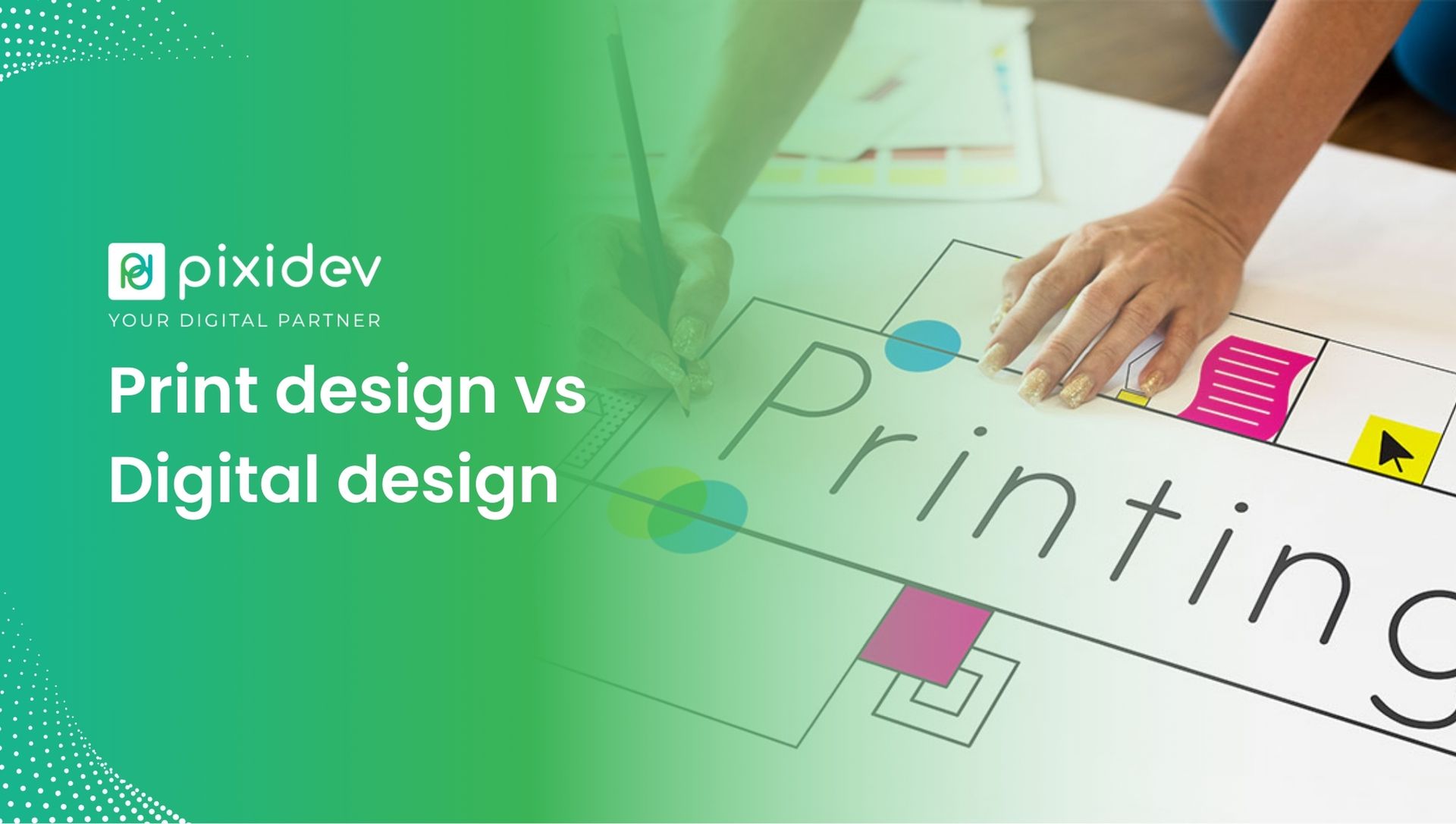
Hey there! If you’re exploring the design world, you’ve probably heard the terms Print vs Digital Design thrown around quite a bit. But what’s the real difference between the two? Why does it matter? Knowing the differences between print and digital design can make a huge difference in how you approach your design projects.
When we talk about print design vs digital design, we’re pitching into two different realms of the design world. Designing for print means thinking about physical materials like brochures or business cards, while digital design is about crafting things for screen-thinking websites, mobile apps, or online ads. In this post, we’ll explore the differences between print and digital design, uncover some best practices, and help you understand how to approach each type of design.
Let’s break it down, starting with the key differences!
When it comes to print vs. digital design, the differences go beyond the medium. Let’s look at how these two design types vary and what you need to consider when working on a design project.
Print Design
Digital Design
Medium
Tangible, physical (brochures, posters)
Digital, screen-based (websites, apps)
Resolution
High resolution (300 DPI)
Lower resolution (72 DPI)
Colour Models
CMYK (cyan, magenta, yellow, black)
RGB (red, green, blue)
File Types
PDF, TIFF, EPS
JPG, PNG, SVG
Layout & Composition
Fixed layout, no screen resizing
Responsive, adjusts to screen sizes
Interactivity
No interactivity
Interactive elements (buttons, links)
This table compares the two, highlighting the most important aspects to consider when working with either.
When you’re working on a print design, you want to follow a few best practices to ensure your design looks great on paper. Let’s dive into some of these.
The paper you choose can make a huge difference in your design. Whether creating a sleek business card or a glossy magazine, the right paper can elevate the entire design. For example, glossy paper makes colours pop, which is great for flyers, while matte paper can add a more sophisticated touch to brochures or business cards.
Remember, print design requires high-resolution images. You want everything to look crisp when printed, so make sure your images are at least 300 DPI. If you use lower-quality images, they can appear pixelated or blurry, which is a no-go for print designs.
In print, you’ll be working with the CMYK colour model. It’s essential to keep that in mind when choosing colours for your design. If you’re used to working in RGB for digital media, you may notice that some colours will look slightly different when printed. So, make sure to do a test print to check colour accuracy.
Now, let’s switch gears and talk about digital design. Designing for digital media comes with its principles, which you must remember. Here are a few key digital design principles to consider:
One key difference between print and digital design is that digital designs need to be responsive. This means your design should look good on any device, whether a phone, tablet, or desktop. It’s all about flexibility.
For instance, if you’re designing a website, you must ensure the layout adjusts automatically depending on the screen size. Your design should adapt flawlessly so that it’s always easy to use and looks good, no matter what device someone is viewing.
In the digital world, speed matters. Users expect quick-loading websites and apps. Slow loading can cause frustration and drive users away. Optimizing images and ensuring your design elements don’t slow things down is super important.
A significant advantage of digital design is the ability to include interactivity. Buttons, animations, and hover effects are great ways to engage users. For example, if you’re designing a landing page, adding a standout call-to-action button can guide users to take the next step.
Let’s compare print vs web design in a bit more detail. Both have their own challenges and unique requirements. So, how do you choose which one to focus on? Here’s a breakdown:
In print design, the design is static. Everything is fixed; what you see is exactly what the user gets. This allows you to detail your layout and composition. The design won’t change based on where it’s viewed or the device used.
In contrast, digital design is all about flexibility. You can’t create one static layout because your designs must work across multiple devices. You must consider responsiveness and how your design will adapt to different screen sizes and orientations.
So, when do you choose print design vs digital design? Well, here’s a little guide to help you decide:
Whether designing for print or digital media, understanding the differences between print and digital design is crucial for creating effective, eye-catching designs. Print design vs digital design isn’t just about using paper versus screens. It’s about understanding how to optimize your design for each medium.
So, whether you’re designing for a brochure, a website, or an app, remember the unique considerations for each type of design. Following the best print and digital design practices, you can create designs that truly stand out, look amazing, and perform their intended function.
Happy designing! Remember that every medium has its own special set of rules, and mastering both will make you a versatile designer ready for any project!