
pixidev
  • HOME
  • ABOUT
  • SERVICE
    • UI/UX Design
    • Website Design & Development
    • Digital Marketing
    • Mobile App Development
    • Odoo ERP Solutions
  • Industries
    • Fintech Industry
    • Banking Industry
    • E-Commerce Industry
    • eLearning Industry
    • SaaS Industry
    • ERP Industry
    • Law Firms
    • Investment Industry
    • Transforming the Construction
  • PORTFOLIO
  • BLOG
Work with us
HOME
ABOUT
SERVICE
Industries
PORTFOLIO
BLOG
Work with us

Get in touch

+971 50 952 4733contact@pixidev.com

#M01A, Saleh Bin Lahej Building, Al Garhoud, Dubai, UAE

12/23, Rajia Sultana Road, Mohammadpur Dhaka, Bangladesh

Follow Us

FacebookInstagramLinkedInYouTube

May 27, 2025

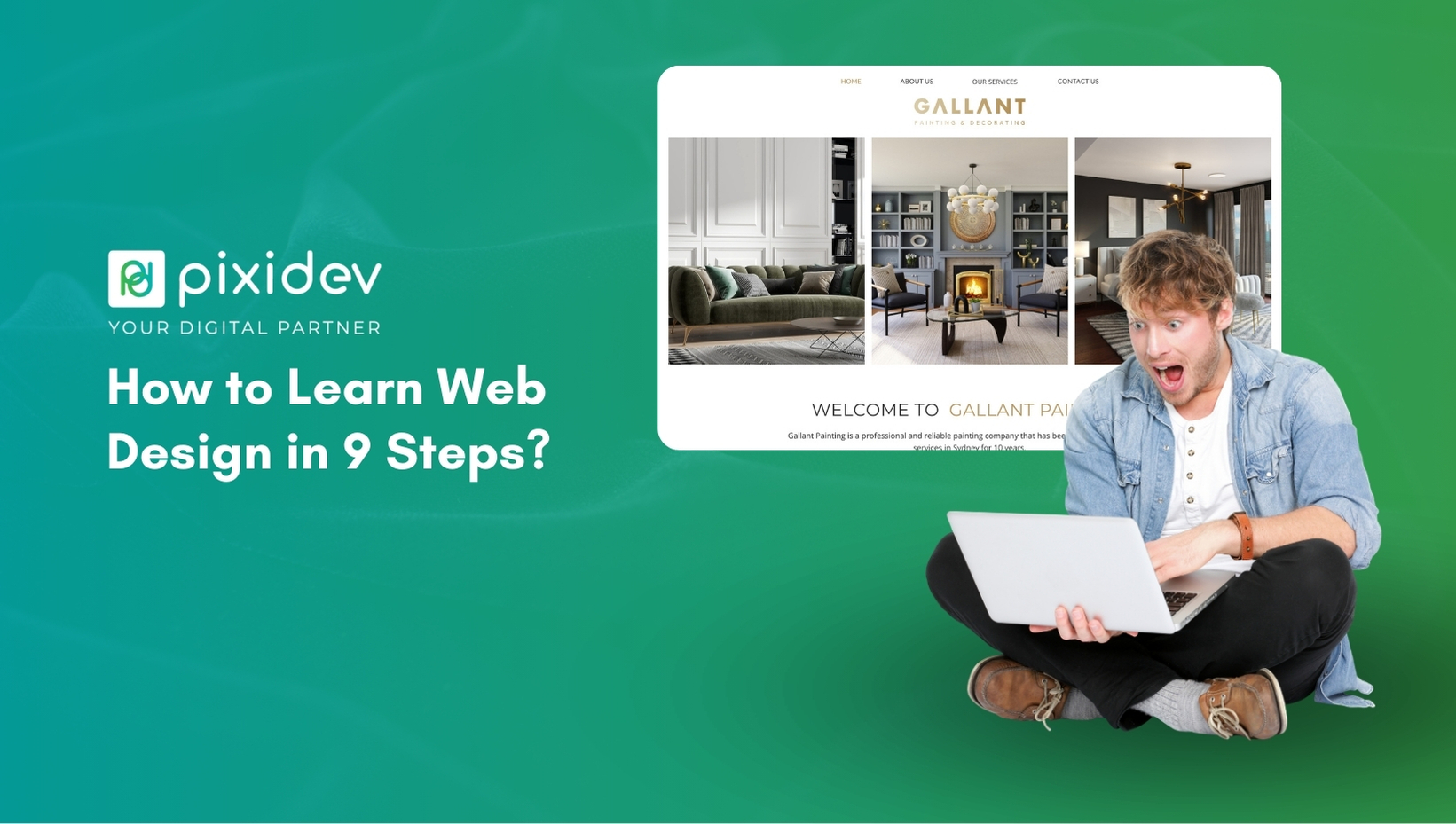
How to Learn Web Design in 9 Steps?

admin

Writen by admin

Viewed 4 min read

How to Learn Web Design in 9 Steps?

Learning web design can be incredibly rewarding, especially with the growing demand for digital skills in today’s market. If you’ve ever wondered how to learn web design, this guide breaks it down into nine simple steps, offering a structured approach to help you quickly grasp the essentials. From understanding design principles to hands-on practice with the best resources, these steps will set you on the right track.

Whether you aim to build a personal project or start a professional career, knowing the proper steps to become a web designer is crucial. This learning path will help beginners gain essential web design skills and boost confidence in creating professional-level websites. Let’s dive into each step so you can confidently master web design and start today!

Step 1: How to learn Web Design 

Before diving into complex concepts, it’s essential to start with the basics of web design. This includes understanding web design, from aesthetics to user experience. Web design combines layout, colours, fonts, images, and interactivity to create a functional website.

Critical Concepts in Web Design:

  • Colour Theory: Understanding colour schemes and choosing colours that create visually appealing websites.
  • Learning to use fonts effectively to enhance readability and design appeal.
  • Layout Design: Structuring the website’s layout to make navigation intuitive and engaging.

These basics will lay a strong foundation for you to build more advanced web design skills.

Step 2: Get Familiar with Design Tools

Mastering industry-standard design tools is crucial to your web design learning path. As you learn web design, these tools will become essential for creating and refining layouts and visuals.

Recommended Web Design Tools:

  • Adobe XD: Great for creating wireframes, prototypes, and design mockups.
  • Figma: A collaborative design and prototyping tool ideal for team projects.
  • Sketch: Popular among Mac users for UI/UX design.

Step 3: Learn HTML and CSS

To be a successful web designer, understanding HTML (HyperText Markup Language) and CSS (Cascading Style Sheets) is essential. These two languages control the structure and style of web pages. Learning HTML and CSS will enable you to turn your designs into actual websites.

Why HTML and CSS Are Important:

  • HTML provides the website’s basic structure, allowing you to organize content into headers, paragraphs, and images.
  • CSS will enable you to style this content, changing colours, fonts, layouts, and more.

Step 4: Study UX (User Experience) Principles

Web design isn’t just about aesthetics. A big part of learning web design in 9 steps is understanding UX design, which focuses on creating user-friendly interfaces that provide a seamless experience.

Key UX Design Elements:

  • Navigation: Ensuring users can move smoothly between pages.
  • Readability: Use easy-to-read fonts and a clear content layout.
  • Responsiveness: Designing for all devices, from desktop to mobile.

Step 5: Start with Simple Web Design Projects

Once you’ve acquired basic skills in HTML, CSS, and UX principles, practice by creating simple projects, this can include designing a personal blog, portfolio, or landing page. Starting with small projects will help you understand real-world applications and build your confidence.

Beginner Project Ideas:

  • Personal portfolio website
  • Blog layout design
  • Landing page for a fictional product 

Step 6: Explore JavaScript for Interactivity

JavaScript is crucial for adding interactivity to web designs, making websites more dynamic and engaging. As you explore web design tutorials for beginners, try incorporating basic JavaScript functionalities into your projects, such as form validations, sliders, or pop-ups.

JavaScript Tips for Beginners:

  • Start with small scripts to understand the basics.
  • Practice using JavaScript libraries like jQuery to simplify coding.
  • Experiment with adding interactive elements to enhance user experience.

Step 7: Find the Best Resources to Learn Web Design

Many resources are available, but finding the best resources to learn web design is essential to progressing efficiently. These resources offer tutorials, community support, and hands-on practice to help you succeed.

Top Resources for Web Design Learning:

  • W3Schools: Great for HTML, CSS, and JavaScript basics.
  • free Code Camp: Offers practical, hands-on exercises for beginners.
  • Udemy and Coursera: Platforms with professional courses covering web design and development.
  • YouTube Channels: Channels like Traversy Media and DesignCourse offer beginner-friendly tutorials.

Step 8: Practice Responsive Web Design

Responsive design is a must-have skill for web designers today. It ensures your website looks great on all devices, whether smartphones, tablets, or desktops. Learning web design includes mastering responsive design techniques that make websites adaptable and user-friendly.

Responsive Design Best Practices:

  • Media Queries: Use CSS media queries to adjust design layouts for various screen sizes.
  • Flexible Grid Layouts: Implement fluid grid layouts that resize automatically.
  • Mobile-First Design: Start designing for smaller screens, then scale up.

Step 9: Build a Professional Portfolio

Your portfolio is a testament to the web design skills you’ve acquired and is essential for attracting clients or potential employers. Display your best projects and highlight your steps to becoming a web designer. Make it visually appealing and easy to navigate, and showcase the range of designs you can create.

What to Include in Your Portfolio:

  • About Section: Share a brief bio about your passion for web design.
  • Project Showcases: Display projects with detailed descriptions of your design approach and tools used.
  • Contact Information: Make it easy for clients to contact you.

Begin Your Web Design Journey

Mastering web design may seem challenging at first. Still, by following these nine structured steps, you can become a skilled web designer with a solid understanding of the essential tools, principles, and practices. From learning HTML and CSS to understanding user experience, each step plays a critical role in building your expertise. As you complete this web design learning path, remember to stay curious and continually explore new trends, tools, and techniques.
Related Article

Unlocking the Magic of Digital Marketing with PixidevUnlocking the Magic of Digital Marketing with Pixidev

Design . Aug 05, 2026

Unlocking the Magic of Digital Marketing with Pixidev

Read More
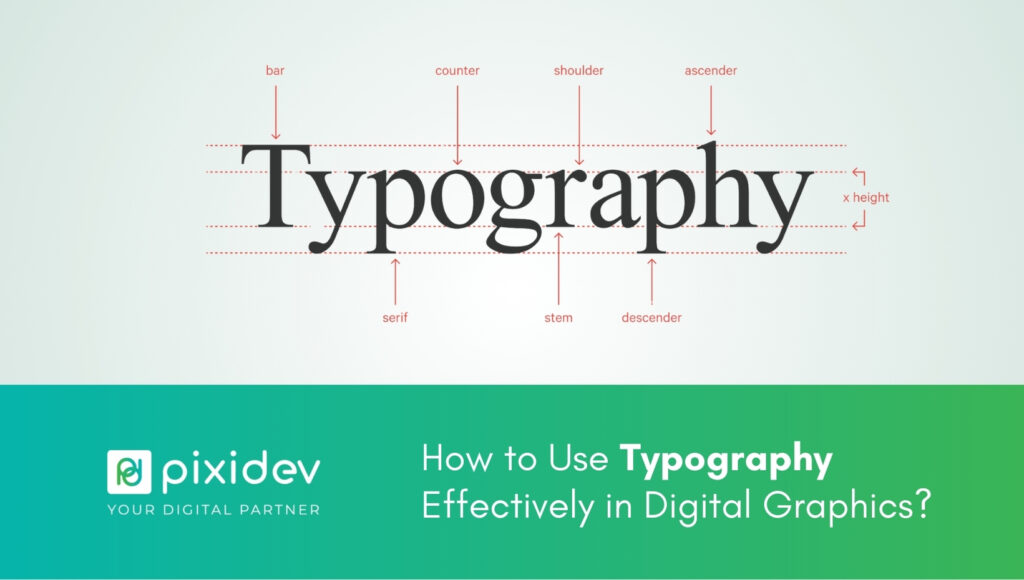
How to Use Typography Effectively in Digital Graphics?How to Use Typography Effectively in Digital Graphics?

Design . Aug 04, 2026

How to Use Typography Effectively in Digital Graphics?

Read More
15 Things Every Real Estate Website Should Have15 Things Every Real Estate Website Should Have

Real Estate . Jul 01, 2026

15 Things Every Real Estate Website Should Have

Read More
Pixidev digital agency modern office background
pixidev

We are an all-in-one creative digital agency, simplifying digital complexities and empowering brands all over the world.

Information

  • About Company
  • Porfolio
  • Services
  • Blog
  • Contact

Contact Us

  • HQ: #M01A, Saleh Bin Lahej Building, Al Garhoud, Dubai, UAE
  • BD: 12/23 Razia Sultana Road, Mohamadpur, Dhaka, Bangladesh
  • +971 50 952 4733
  • contact@pixidev.com

Have a project in your mind?

Contact Us

08 : 00 AM - 5 : 00 PM

Monday - Friday

© 2022 - 2026 | Alrights reserved by Pixidev · Privacy Policy